Why Is My PDF Locked? 8 Common Reasons (And How to Fix Each)
Wondering why your PDF is locked or won't open? Here are 8 common reasons PDFs get locked plus clear steps to fix each one.
Why Does Your PDF Say It Is Locked?
You double-click a PDF and instead of opening, you see a padlock icon, a password prompt, a permissions notice, or a message that the document is secured. Maybe you can view the file but cannot edit, print, or copy text. Or perhaps the PDF appears blank, grayed out, or corrupted. This guide walks through every common reason a PDF can be locked and explains what to do about each one. If your PDF is password-protected and you know the password, you can remove the lock in your browser.
Common frustrations:
- You cannot tell whether the PDF needs a password, restricts permissions, or is simply corrupted
- Online searches give conflicting advice about cracking, bypassing, or removing locks
- You worry about uploading a sensitive locked PDF to an unknown service just to diagnose the problem
- The PDF opens but you still cannot edit, print, or fill in forms
Diagnosing Why Your PDF Is Locked
Identify the Type of Lock on Your PDF
Open the PDF in your default reader (Preview on Mac, Edge on Windows, or a browser). Note what happens: if it asks for a password immediately, it has an open-password (user password) lock. If it opens but restricts editing or printing, it has owner-password permissions. If it will not open at all or looks corrupted, the file itself may be damaged. Different locks need different solutions, so identifying the type is the most important first step.
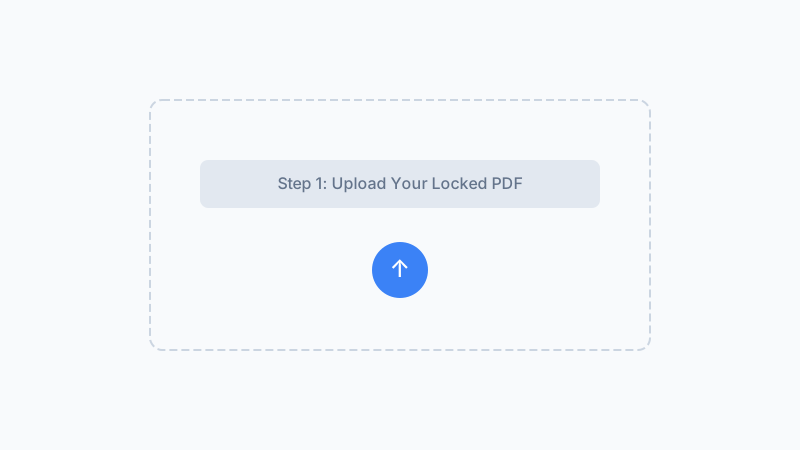
Check for the Most Common Causes
If the PDF asks for a password, try passwords you commonly use, check your email or password manager, or contact the sender. If the PDF opens but feels locked (no editing, copying, or printing allowed), check File > Document Properties > Security in your PDF reader to see which permissions are restricted. PDFs created from scanned documents may also appear locked because the text is not selectable, even though no password is present.
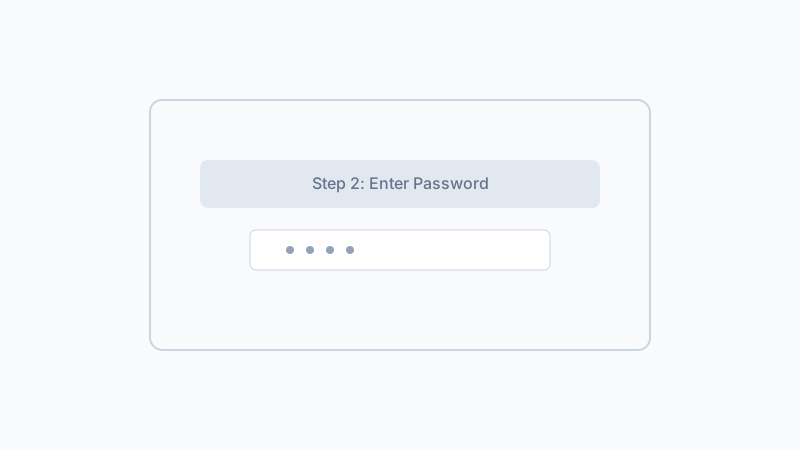
Apply the Right Fix for Your Lock Type
Once you know the lock type, choose the fix: for open-password PDFs where you know the password, use our tool to remove it permanently. For PDFs with only editing restrictions, removing the open-password often clears those too. For corrupted files, try opening in a different reader or re-downloading the original. For PDFs that are simply scanned images, use an OCR tool to make text selectable.
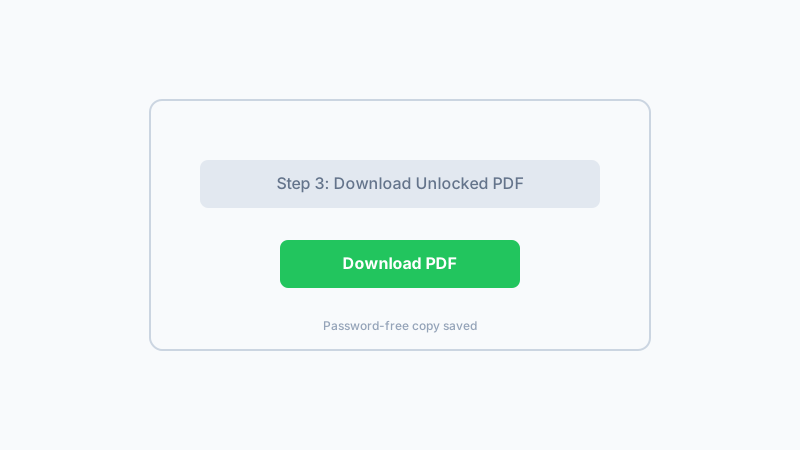
If your PDF is password-protected and you know the password, our free browser-based tool removes the lock instantly with no upload.
Check Your PDF NowFrequently Asked Questions
Why does my PDF say it is locked or secured?
Why is my PDF locked and I cannot edit it?
Why is my PDF locked for printing?
Can a PDF be locked without a password?
Why is my PDF locked after I downloaded it?
Why is my PDF locked on Mac but not on Windows?
What does a locked PDF icon or padlock mean?
Why is my PDF locked after converting from Word or Excel?
Why Diagnose and Fix PDF Locks With This Guide?
Covers All Lock Types
Most guides only cover password-protected PDFs. This one also helps with permissions locks, digital signatures, corrupted files, and false positives.
Clear Diagnosis First
Instead of guessing, follow the diagnostic steps to identify the exact type of lock. The right fix depends on the right diagnosis.
Safe, Private Fix
When a password is needed, our browser-based tool removes it locally with no upload to any server. Your document never leaves your device.
No Risky Workarounds
This guide does not recommend password crackers, shady online unlockers, or malware-ridden utilities. Every suggestion is ethical and above board.
Know the Password? Remove the Lock Now
If your PDF is password-protected and you know the current password, remove the lock permanently in your browser. No upload, no signup, and no server-side processing. Your file stays on your device.
Unlock My PDFFree, private, and works on any device with a modern browser.
Related Articles
Remove Password from PDF Safely When You Know It
Removes user-set passwords you already know in 1.2 s. Files never leave your browser. Won't crack forgotten passwords — that's by design.
Forgot Your PDF Password? What to Do — and What Our Tool Can Help With
Forgot your PDF password? Learn what actually helps and why cracking is not the answer. Use our tool when you remember your password to remove it.
How to Unlock a PDF on Mac — Remove Passwords in Safari, Preview & Chrome
Need to unlock a PDF on your Mac? Learn how to remove PDF passwords using Safari, Chrome, or Preview. Free browser-based tool with no install needed.
PDF User Password vs Owner Password: What Is the Difference?
Learn the difference between PDF user (open) passwords and owner (permissions) passwords. Understand how each protects your PDF and when to use which.
Built by Win — a developer who values privacy-first, client-side tools. All processing happens in your browser; your files never leave your device.