How to Unlock a PDF on Mac — Remove Passwords in Safari, Preview & Chrome
Need to unlock a PDF on your Mac? Learn how to remove PDF passwords using Safari, Chrome, or Preview. Free browser-based tool with no install needed.
Stuck With a Locked PDF on Your Mac?
You have a PDF on your Mac that asks for a password every time you open it. Maybe it is a bank statement you downloaded in Safari, a contract a client sent, or a PDF you exported from Pages. You want to remove the password so it opens freely in Preview, but you do not want to install paid software or upload a sensitive file to a website. This guide explains how to unlock a password-protected PDF on Mac directly in your browser — no software download needed and your file stays private.
Common frustrations:
- Preview on Mac shows a lock icon and demands a password every time
- Adobe Acrobat Pro for Mac costs $20+ per month just to remove a PDF password
- Most online PDF unlockers require uploading your file, which is risky for private documents
- You are unsure whether macOS has a built-in way to remove PDF passwords
Unlocking PDFs on Mac — Step by Step
Open the PDF Unlock Tool in Safari or Chrome
On your Mac, open Safari, Chrome, Firefox, or Edge and visit the PDF Unlock tool page. No software download or installation is needed — everything runs in your browser. The tool works on both Intel and Apple Silicon Macs, including macOS Ventura, Sonoma, and Sequoia.
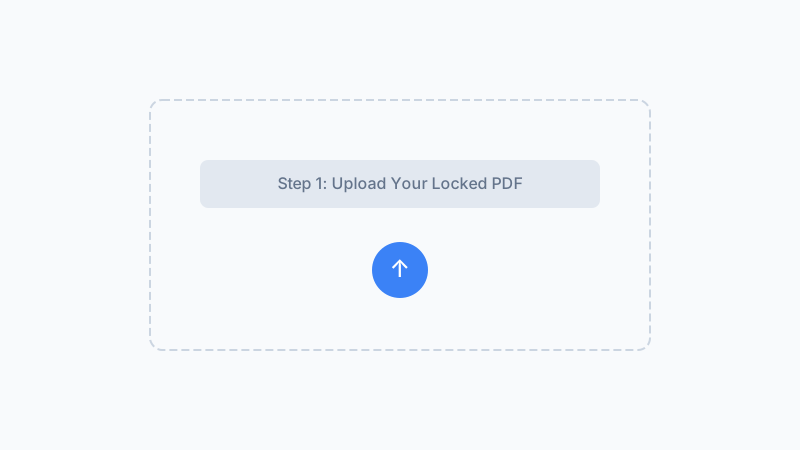
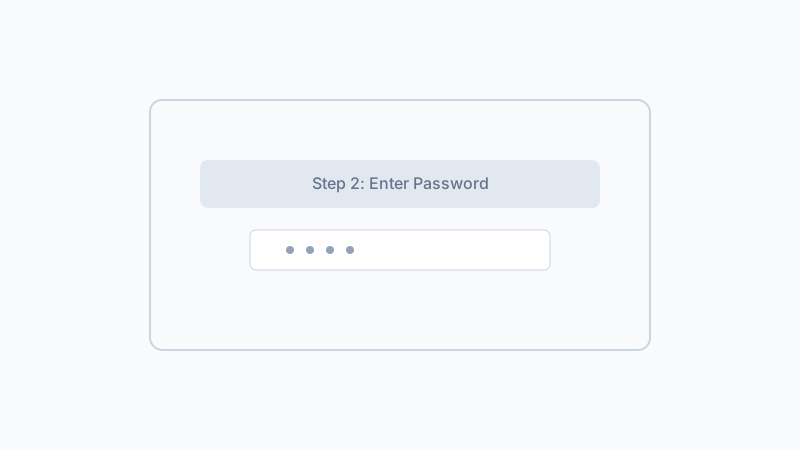
Select the Locked PDF and Enter the Password
Click to select the password-protected PDF from your Mac. The file stays on your Mac throughout the entire process — it is never uploaded anywhere. Type the current password that opens the PDF. If you saved the password in macOS Keychain, look it up there first. Click the unlock button to process the file locally.
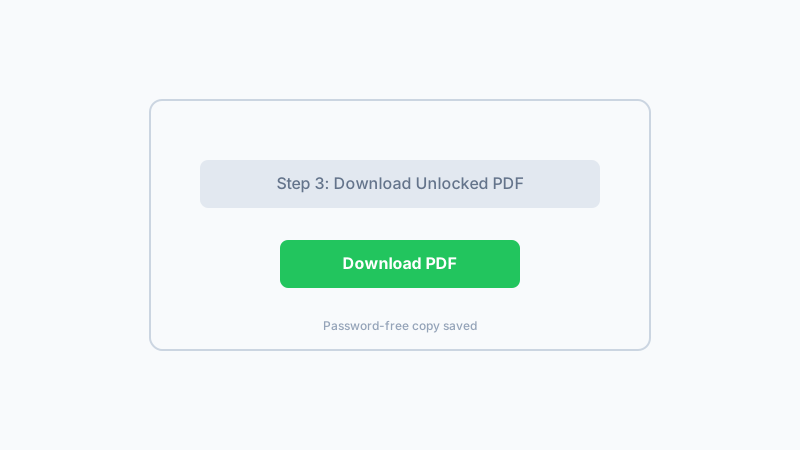
Download and Save the Unlocked PDF on Your Mac
The unlocked PDF downloads automatically. Open it in Preview to confirm it no longer asks for a password. Save it anywhere on your Mac — Documents, Desktop, or iCloud Drive. The original password-protected file stays unchanged as a backup. Now your PDF opens freely on Mac without any password prompt.
Remove PDF passwords directly in your Mac browser with no upload, no software install, and no account needed.
Unlock PDF on Mac NowFrequently Asked Questions
Can I remove a PDF password on Mac without buying software?
Does Preview on Mac have a built-in PDF unlock feature?
Will this work on both Intel Mac and Apple Silicon (M1, M2, M3, M4)?
Is my PDF safe to unlock on a Mac using this tool?
Why does my PDF show a lock icon in Finder on Mac?
Can I unlock a PDF on Mac that was created with Pages or Microsoft Word?
What if my PDF still opens locked in Preview after unlocking?
Is there a way to batch unlock multiple PDFs on Mac?
Why Unlock PDFs on Mac With This Tool?
No Mac Software to Install
Works directly in Safari, Chrome, Firefox, and Edge on Mac. No DMG downloads, no installer, no macOS permission prompts. Just open the page and go.
Optimized for macOS Workflows
The tool integrates naturally with your Mac workflow — select the PDF from Finder, process it in the browser, and save the unlocked copy to Documents, Desktop, or iCloud Drive.
Private by Design
Your PDF never leaves your Mac. Unlike upload-based services that copy your file to external servers, the processing stays entirely on your device.
Works Across All Mac Browsers
Whether you use Safari, Chrome, Firefox, Edge, or Brave on your Mac, the PDF Unlock tool works the same way. No browser-specific limitations.
Unlock Your PDF on Mac — Free & Private
Remove the password from any PDF on your Mac directly in your browser. No upload, no install, no account. Your file stays on your Mac where it belongs.
Unlock PDF on MacCompatible with macOS Ventura, Sonoma, Sequoia and all Mac models.
Related Articles
Remove Password from PDF Safely When You Know It
Removes user-set passwords you already know in 1.2 s. Files never leave your browser. Won't crack forgotten passwords — that's by design.
Forgot Your PDF Password? What to Do — and What Our Tool Can Help With
Forgot your PDF password? Learn what actually helps and why cracking is not the answer. Use our tool when you remember your password to remove it.
Why Is My PDF Locked? 8 Common Reasons (And How to Fix Each)
Wondering why your PDF is locked or won't open? Here are 8 common reasons PDFs get locked plus clear steps to fix each one.
PDF User Password vs Owner Password: What Is the Difference?
Learn the difference between PDF user (open) passwords and owner (permissions) passwords. Understand how each protects your PDF and when to use which.
Built by Win — a developer who values privacy-first, client-side tools. All processing happens in your browser; your files never leave your device.