PDF User Password vs Owner Password: What Is the Difference?
Learn the difference between PDF user (open) passwords and owner (permissions) passwords. Understand how each protects your PDF and when to use which.
Confused About PDF User Passwords vs Owner Passwords?
When you protect a PDF, you may see options to set a user password (also called an open password or document-open password) and an owner password (also called a permissions password or master password). They sound similar but serve completely different purposes. Many PDF users are confused about which one they need, what each protects against, and how they interact. This guide explains the difference clearly so you can choose the right protection for your documents — and understand what kind of lock you are dealing with when you receive a protected PDF.
Common frustrations:
- You are not sure whether to set a user password, an owner password, or both
- You received a PDF and do not know which type of password protects it
- You tried removing a PDF password but the restrictions remain — likely because an owner password was involved
- You are confused by terminology like open-password, document-open password, permissions password, and master password
Understanding PDF Password Types
Understand the User (Open) Password
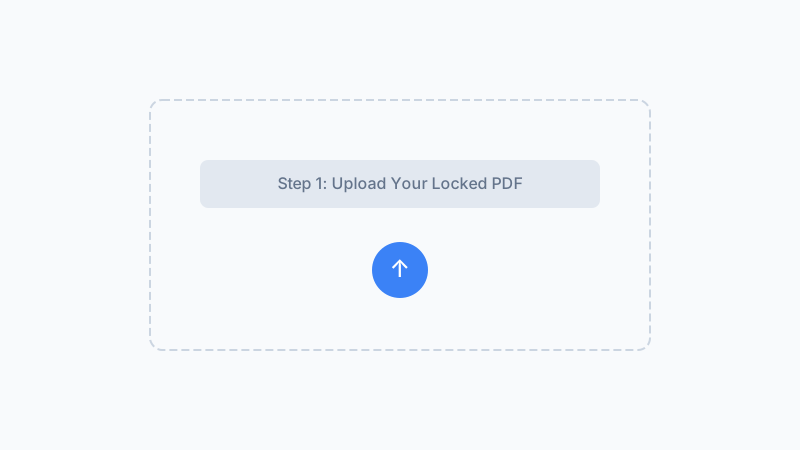
A user password, also called an open password or document-open password, is the password required to open and view the PDF. Without it, the file cannot be read at all. This is what most people mean when they say a PDF is password-protected. The user password encrypts the entire document content so that PDF readers cannot render a single page without it.
Understand the Owner (Permissions) Password
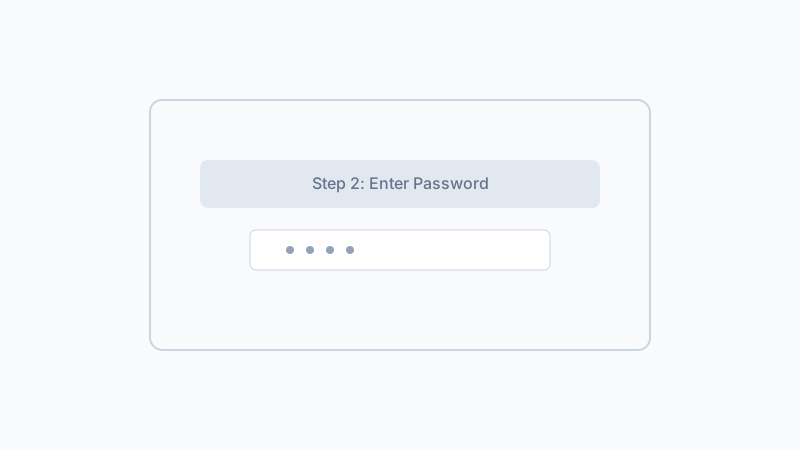
An owner password, also called a permissions password or master password, does not control who can open the PDF. Instead, it restricts what authorized users can do with the content — printing, editing, copying text, filling forms, adding comments, and inserting pages. A PDF can have an owner password alone (opens freely but restricts actions) or combined with a user password (requires password to open and restricts actions).
Check Which Password Type Protects Your PDF
To identify the password type on a PDF you receive: if it asks for a password just to open, that is a user password. If it opens without a password but restricts editing or printing, it has an owner password (no user password). If it asks for a password to open and also restricts actions after opening, it has both. Open your PDF reader's Document Properties > Security tab to see details about the protection settings used.
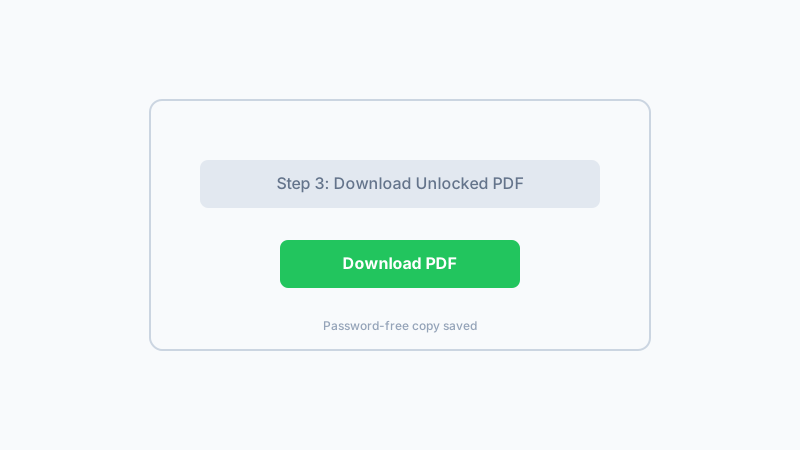
If your PDF has a user password you know, remove it with our browser-based tool. No upload, no software install, completely private.
Remove PDF Passwords NowFrequently Asked Questions
What is the difference between a user password and an owner password in a PDF?
Can a PDF have both a user password and an owner password?
How do I tell if my PDF uses a user password or an owner password?
Will removing the user password also remove owner password restrictions?
What is the difference between user password and open password?
What is the owner password also called?
Can I remove an owner password without the user password?
Which password type is more secure?
Why Understand PDF Password Types?
Know What You Are Dealing With
Understanding user vs owner passwords helps you identify exactly what kind of PDF lock you have and whether our tool can help remove it.
Match the Right Tool to the Right Problem
Not all PDF locks are the same. Knowing the difference saves you time trying the wrong solution and helps you choose the correct approach for your specific PDF.
Better Document Security Decisions
When creating PDFs, choose the right password type for your needs — control viewing access with a user password, limit actions with an owner password, or combine both for layered protection.
Clear, Jargon-Free Explanations
PDF security terminology can be confusing. This guide explains user vs owner passwords in plain language so you can make informed decisions without wading through technical specifications.
Know Your PDF Password? Remove It Now
If your PDF has a user password you know, remove it permanently with our free, browser-based tool. No upload, no signup, and your file stays private on your device.
Remove PDF PasswordWorks on Mac, Windows, Linux, and mobile browsers.
Related Articles
Remove Password from PDF Safely When You Know It
Removes user-set passwords you already know in 1.2 s. Files never leave your browser. Won't crack forgotten passwords — that's by design.
Forgot Your PDF Password? What to Do — and What Our Tool Can Help With
Forgot your PDF password? Learn what actually helps and why cracking is not the answer. Use our tool when you remember your password to remove it.
Why Is My PDF Locked? 8 Common Reasons (And How to Fix Each)
Wondering why your PDF is locked or won't open? Here are 8 common reasons PDFs get locked plus clear steps to fix each one.
How to Unlock a PDF on Mac — Remove Passwords in Safari, Preview & Chrome
Need to unlock a PDF on your Mac? Learn how to remove PDF passwords using Safari, Chrome, or Preview. Free browser-based tool with no install needed.
Built by Win — a developer who values privacy-first, client-side tools. All processing happens in your browser; your files never leave your device.