Forgot Your PDF Password? What to Do — and What Our Tool Can Help With
Forgot your PDF password? Learn what actually helps and why cracking is not the answer. Use our tool when you remember your password to remove it.
Forgot Your PDF Password? Here Is What You Can Do
You have a PDF that is password-protected, but you have forgotten the password and cannot open the file. This is a common frustration — maybe it is an old bank statement, a tax document from years ago, a receipt, or a work file whose password you did not save. Before you search for a PDF password cracker or unlocker that promises to break the password, read this guide. It explains what actually works, what does not, and what to do when you finally remember or recover the password.
Common frustrations:
- You cannot open a PDF because you forgot the password
- You are considering risky PDF password cracker tools that may install malware
- You want to know if there is a legitimate way to recover access
- You need to know what to do with a password-protected PDF when the password is lost
What to Do If You Forgot the Password
Try Common Passwords First
Before assuming the PDF is permanently locked, try passwords you commonly use, especially for documents from the same source. Check email deliveries that may include the password, messages from the sender, or any notes where you might have saved it. Many PDFs use simple passwords like birthdates, account numbers, or project codes.
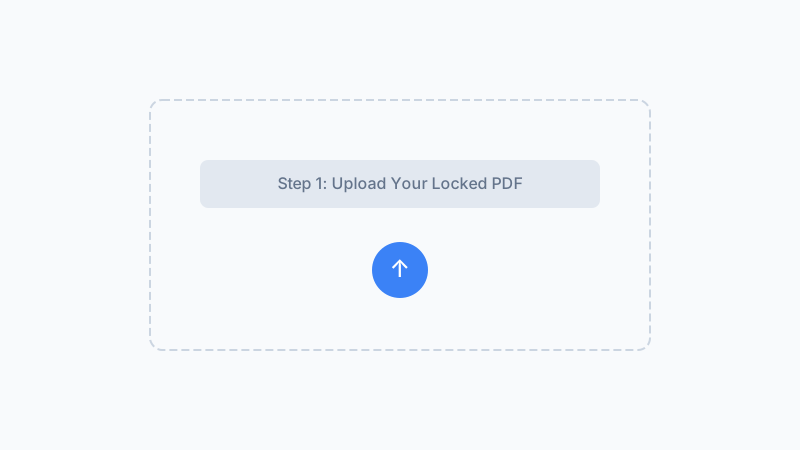
Contact the Document Owner or Sender
If the PDF came from a bank, employer, client, government agency, or colleague, reach out and ask for the password or for a new unprotected copy. This is often the fastest and most reliable path. Organizations usually keep records of document passwords and can reissue access.
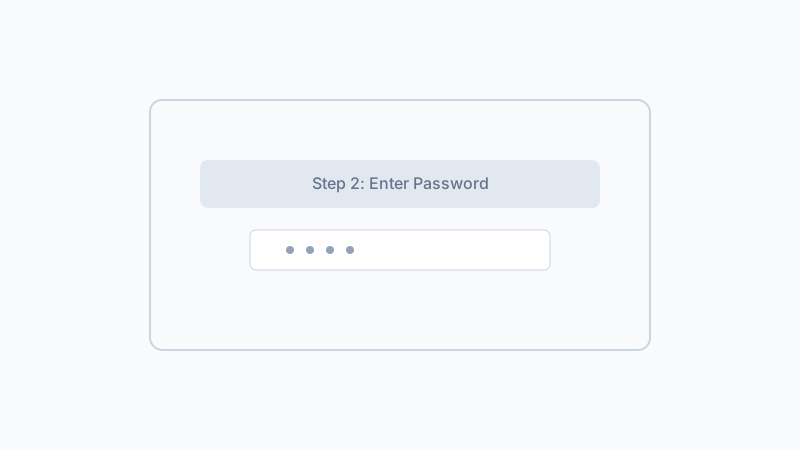
When You Remember the Password — Remove It Permanently
Once you find or recover the correct password, use our PDF Unlock tool to create a new copy that no longer requires a password. This way, you never face this problem with that document again. Process the file in your browser — no upload, no server involved.
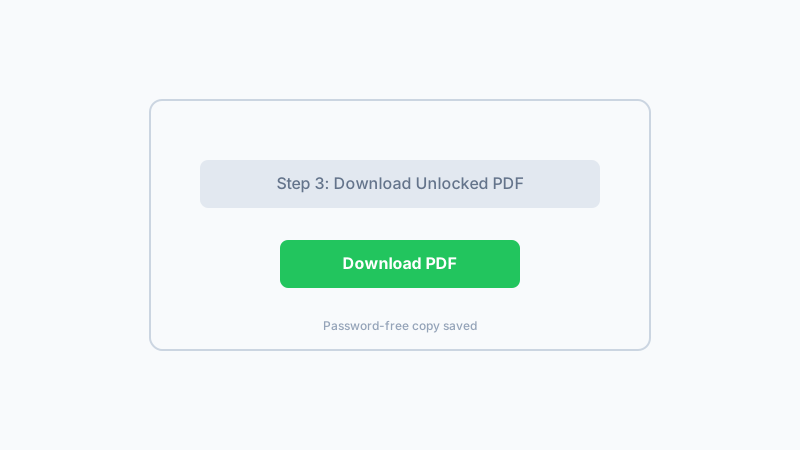
Once you have the correct password, unlock your PDF instantly with our free browser-based tool. No upload, no account needed.
Remove PDF Password NowFrequently Asked Questions
Can your tool unlock a PDF if I forgot the password?
Why not use a PDF password cracker?
What should I do if I absolutely cannot recover the password?
How do I avoid forgetting a PDF password in the future?
Is there any way to preview a password-protected PDF without the password?
What about online services that claim to remove PDF passwords instantly?
Can I use this tool after I remember my password?
Does this tool work with PDFs opened with an owner password?
What to Do After You Recover Your PDF Password
Know Your Limits
Our tool does not crack, recover, or bypass passwords. It is designed for the scenario where you have the password and simply want to stop being asked for it every time you open the file.
Prevent Future Lockouts
When you do have the correct password, remove it immediately with our tool to create a password-free copy. Store that copy and avoid getting locked out again.
Stay Private and Safe
Avoid risky password cracker websites. When you are ready to unlock a PDF you can open, our browser-based tool keeps your file on your device with no upload, no server, and no risk.
Clear Ethical Guidance
We do not offer, promote, or link to password cracking tools. Our content and tool are designed for documents you own or are authorized to access, with honest communication about what is and is not possible.
Have Your PDF Password? Remove It Now
If you have located or remembered the password, use our free browser-based PDF Unlock tool to create a new copy that opens without asking every time. No upload, no signup, and no password transmission.
Remove PDF PasswordThe tool requires your current password. Cannot recover lost passwords.
Related Articles
Remove Password from PDF Safely When You Know It
Removes user-set passwords you already know in 1.2 s. Files never leave your browser. Won't crack forgotten passwords — that's by design.
Why Is My PDF Locked? 8 Common Reasons (And How to Fix Each)
Wondering why your PDF is locked or won't open? Here are 8 common reasons PDFs get locked plus clear steps to fix each one.
How to Unlock a PDF on Mac — Remove Passwords in Safari, Preview & Chrome
Need to unlock a PDF on your Mac? Learn how to remove PDF passwords using Safari, Chrome, or Preview. Free browser-based tool with no install needed.
PDF User Password vs Owner Password: What Is the Difference?
Learn the difference between PDF user (open) passwords and owner (permissions) passwords. Understand how each protects your PDF and when to use which.
Built by Win — a developer who values privacy-first, client-side tools. All processing happens in your browser; your files never leave your device.