How to Split a PDF for Email — Attach Pages Under Size Limits
Learn how to split a PDF for email. Separate large PDFs into individual pages so each attachment stays under provider size limits.
Your PDF Is Too Big to Email as a Single File?
You need to email a PDF but it keeps getting rejected because it exceeds the attachment size limit. Most email providers cap attachments at 10-25MB, and your multi-page document surpasses that. Splitting the PDF into individual pages lets you send the pages that matter in separate emails — or send only the critical pages while leaving out unnecessary ones. This guide shows how to split a PDF for email without uploading your files.
Common frustrations:
- Your email provider rejects attachments over 10-25MB
- You need to share specific pages but the entire PDF is too large
- Splitting the PDF into smaller pieces avoids file-sharing services
- You want to keep your documents private instead of using cloud links
Getting Your PDF Ready for Email
Check Your PDF Size and Email Limit
Check your PDF file size and your email provider's attachment limit. Gmail and Outlook cap at 25MB. Many enterprise accounts have lower 10MB limits. Plan how many emails you will need.
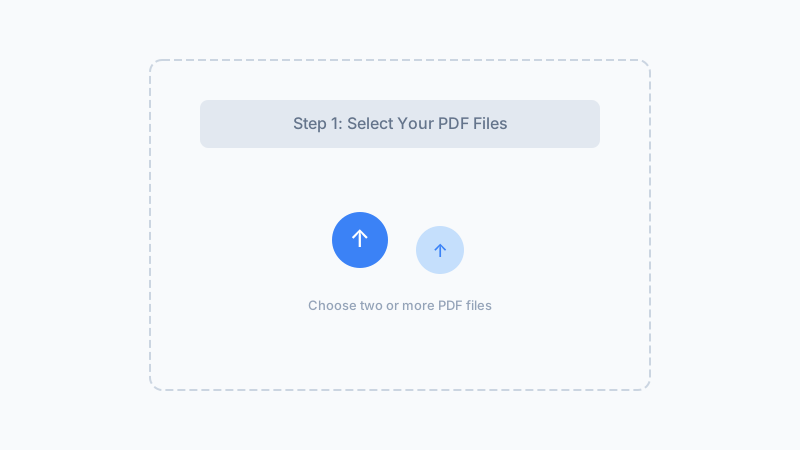
Split Into Individual Pages
Upload your PDF and click split. Each page becomes a separate file, each well under typical email attachment limits. The files are processed locally — your data stays private.
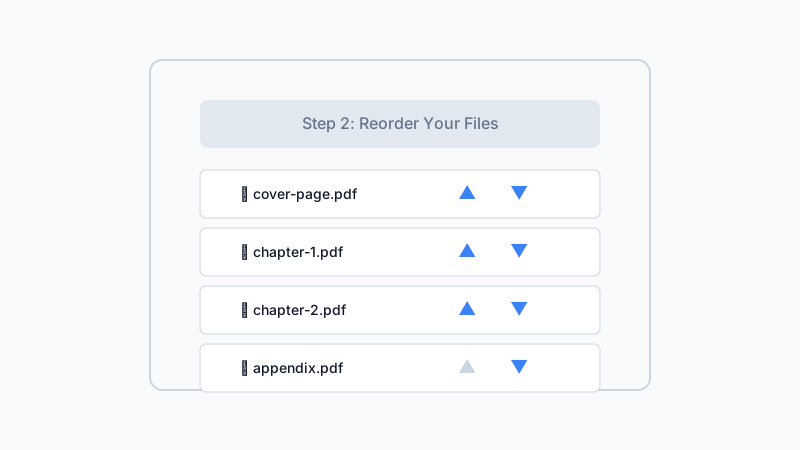
Attach and Send Selectively
Download the pages you need to email. Attach each page file to separate emails or send multiple small attachments in one email if your provider allows. No more bounce-backs due to size limits.
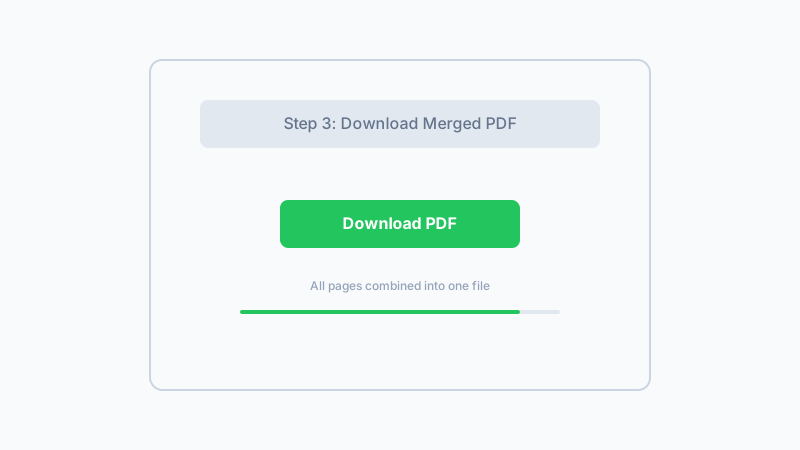
Separate your PDF into individual pages so each attachment fits your email limit.
Split PDF for EmailFrequently Asked Questions
What is the typical email attachment size limit?
How many pages fit in a 25MB email?
Can I group specific pages back together for one email?
Is this more private than using a file-sharing link?
What if individual pages are still too large?
Why Split PDFs for Email With Us?
No File Upload
Split your PDF locally in your browser. Your document never goes to a server before you intentionally attach it to an email.
Skip File-Sharing Services
Keep communication simple with direct email attachments instead of creating cloud links that recipients may not trust or be able to access.
Send Only What Is Needed
Split into individual pages and share only the relevant pages — not the entire oversized document.
Works With Any Email Provider
Does not matter which email service you use. Split your PDF, then attach the pages to emails in Gmail, Outlook, Yahoo, or any other provider.
Split PDFs for Email Attachments
Separate your PDF into email-friendly individual pages. Free, private, and works in any browser.
Split PDF for Email100% browser-based — no upload, no account
Related Articles
How to Split a PDF Online — Extract Pages Without Uploading
Split a 240-page PDF into 12 chapter files in 1.8 s. Pull specific pages from any PDF — 100% browser-based, no upload, no registration.
How to Extract Pages From a PDF — Free Browser-Based Tool
Learn how to extract pages from a PDF using a free browser-based tool. Pull out specific pages from large documents — no upload, no software.
How to Split Large PDF Files Into Smaller Documents
Learn how to split large PDF files into smaller documents. Free browser-based tool breaks big PDFs into individual pages — private processing, no upload.
Built by Win — a developer who values privacy-first, client-side tools. All processing happens in your browser; your files never leave your device.