How to Extract Pages From a PDF — Free Browser-Based Tool
Learn how to extract pages from a PDF using a free browser-based tool. Pull out specific pages from large documents — no upload, no software.
Need to Pull Specific Pages Out of a Large PDF?
You have a large multi-page PDF — a report, a contract package, or a scanned document bundle — and you only need a few specific pages from it. Emailing the entire file is cumbersome, and you do not want to install bulky PDF software just to grab a handful of pages. This guide shows how to extract pages from a PDF using a free browser-based tool that processes your file locally.
Common frustrations:
- Your PDF contains many pages but you only need a few
- Emailing a 50-page PDF just so someone can see page 3 is inefficient
- Desktop PDF software requires installation and often costs money
- You are concerned about uploading sensitive documents to unknown services
Pulling Specific Pages From Your PDF
Upload Your PDF
Open the PDF Splitter in your browser and select the PDF you want to extract pages from. The file is read locally — no upload to any server.
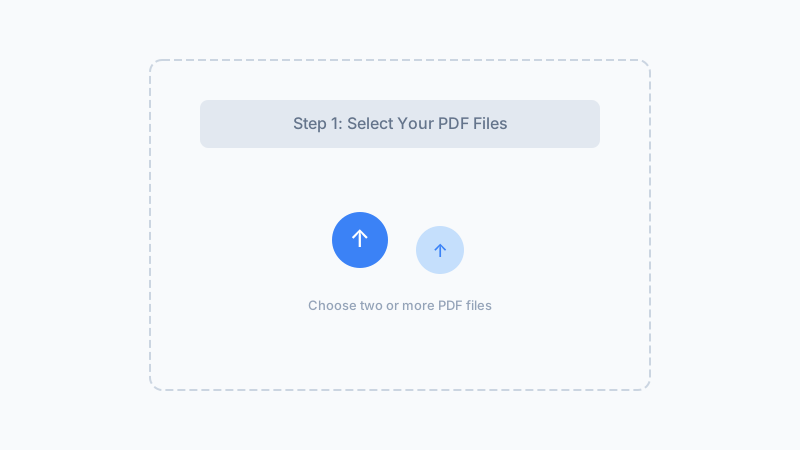
Split Into Individual Pages
Click split to extract every page into its own PDF file. This gives you each page as a separate document — keep the ones you need and discard the rest.
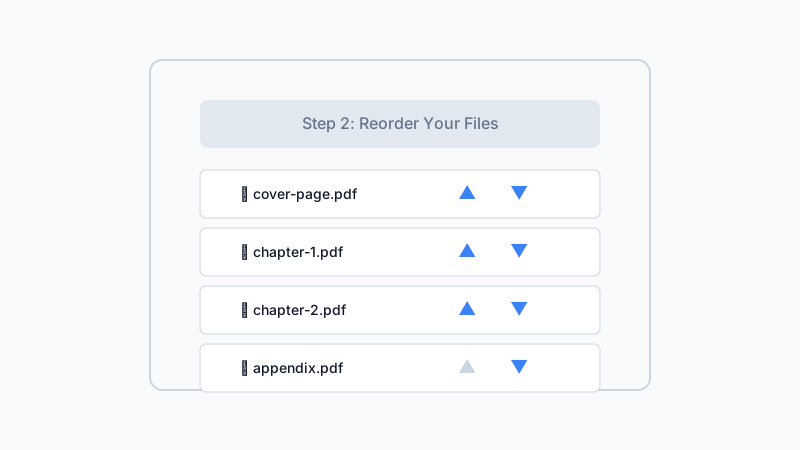
Keep the Pages You Need
Your pages download automatically. Keep the pages you want to share or archive. To combine specific extracted pages into one PDF, use our PDF Merger tool.
Pull pages from any PDF instantly — free, private, and runs in your browser.
Extract PDF Pages NowFrequently Asked Questions
How do I extract a single page from a PDF?
Can I extract specific page ranges like pages 3-7?
Will extracting pages change the formatting?
Is there a limit on how many pages I can extract?
Can I extract pages from a scanned PDF?
Why Extract Pages With Our Tool?
No Installation Required
Runs entirely in your browser. No downloads, no admin permissions, no software to install.
Your Data Stays Private
Processing happens locally on your device. Your PDF is never uploaded or stored on any server.
Preserves Original Quality
Each extracted page is a perfect copy of the original — no compression, no quality loss, no formatting changes.
Works With Any PDF
Digital PDFs, scanned documents, forms, reports — any PDF can be split. No file type restrictions beyond the PDF format.
Extract Pages From Your PDF Now
Pull individual pages out of any PDF instantly. Free, private, and works in any browser.
Extract Pages Free100% browser-based — no upload, no watermarks
Related Articles
How to Split a PDF Online — Extract Pages Without Uploading
Split a 240-page PDF into 12 chapter files in 1.8 s. Pull specific pages from any PDF — 100% browser-based, no upload, no registration.
How to Split Large PDF Files Into Smaller Documents
Learn how to split large PDF files into smaller documents. Free browser-based tool breaks big PDFs into individual pages — private processing, no upload.
How to Split a PDF for Email — Attach Pages Under Size Limits
Learn how to split a PDF for email. Separate large PDFs into individual pages so each attachment stays under provider size limits.
Built by Win — a developer who values privacy-first, client-side tools. All processing happens in your browser; your files never leave your device.