How to Split Large PDF Files Into Smaller Documents
Learn how to split large PDF files into smaller documents. Free browser-based tool breaks big PDFs into individual pages — private processing, no upload.
Your PDF Is Too Large to Handle Comfortably?
You have a very large PDF — maybe a 100+ page report, a scanned archive, or a compiled document bundle — that is slow to open, hard to email, and difficult to navigate. You want to break it into smaller, more manageable pieces. This guide shows how to split large PDF files into individual pages or smaller chunks using a free browser-based tool that processes your file locally.
Common frustrations:
- Your large PDF is slow to open and scroll through
- The file is too big to email or upload as a single document
- You need to share only specific sections with different people
- Desktop PDF splitters are expensive or require installation
Breaking Down Large PDFs Into Pages
Check Your PDF Size
Before splitting, note your PDF's file size. Large files up to 50MB are supported. Very large PDFs may take longer to process but the tool handles them efficiently in your browser.
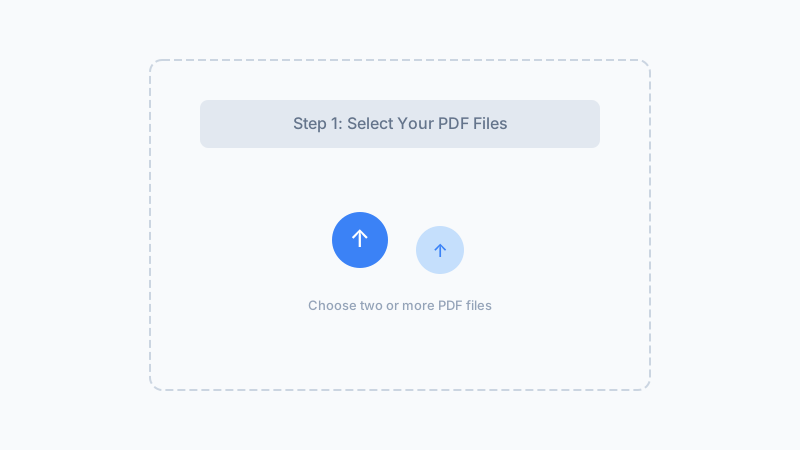
Split Into Individual Pages
Upload the large PDF and click split. The tool extracts every page into its own file. This gives you maximum flexibility — keep, share, or discard individual pages as needed.
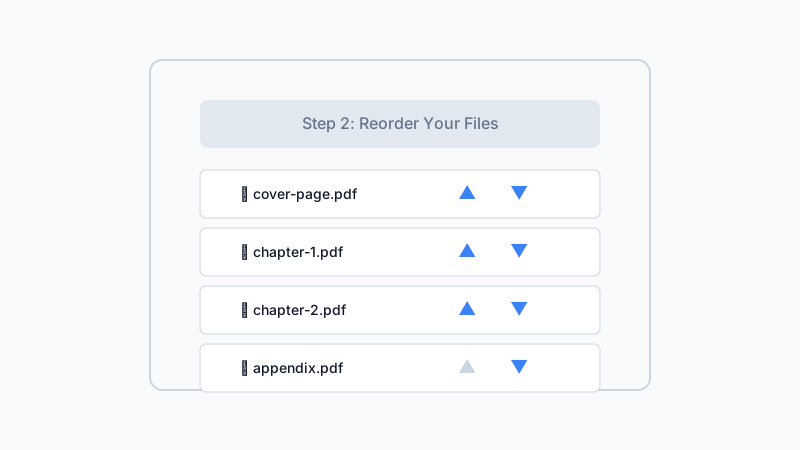
Manage Your Split Files
Each page downloads separately. Keep the pages you need. Use our PDF Merger to recombine specific pages back into smaller, focused documents if desired.
Break large PDFs into manageable individual pages — free, private, and browser-based.
Split Large PDFs NowFrequently Asked Questions
What is the maximum file size for splitting?
How long does it take to split a 100-page PDF?
Can I split a PDF that has scanned images?
What if my PDF is over 50MB?
Will splitting a large PDF reduce the total file size?
Why Split Large PDFs With Us?
Handles Big Files
Support for PDFs up to 50MB. Efficient processing that works well even with large documents on capable devices.
No Upload Needed
Large files stay on your device. No uploading means no upload timeouts and no privacy concerns with big confidential documents.
Free and No Limits
No page count restrictions, no processing charges regardless of file size. Split large PDFs as many times as you need.
Pair With Other Tools
Split large PDFs, then compress, merge, or unlock specific pages using our full suite of browser-based PDF tools.
Break Your Large PDF Into Manageable Pages
Split oversized PDFs into individual pages without uploading. Free, private, browser-based.
Split Large PDFs100% local — no upload, no install
Related Articles
How to Split a PDF Online — Extract Pages Without Uploading
Split a 240-page PDF into 12 chapter files in 1.8 s. Pull specific pages from any PDF — 100% browser-based, no upload, no registration.
How to Extract Pages From a PDF — Free Browser-Based Tool
Learn how to extract pages from a PDF using a free browser-based tool. Pull out specific pages from large documents — no upload, no software.
How to Split a PDF for Email — Attach Pages Under Size Limits
Learn how to split a PDF for email. Separate large PDFs into individual pages so each attachment stays under provider size limits.
Built by Win — a developer who values privacy-first, client-side tools. All processing happens in your browser; your files never leave your device.