Password Protected PDF Won't Merge? Here's How to Fix It and Combine Your Files
Your password-protected PDF won't merge with other files? Learn why encryption blocks merging and how to unlock then combine PDFs for free in your browser.
Your PDF Has a Password and Nothing Will Merge It?
You selected your PDFs, clicked merge, and got an error — or worse, the password-protected file was simply skipped. Password protection encrypts the PDF content, and no merger can read encrypted data to combine it with other files. This is a security feature, not a bug, but it is frustrating when you know the password and still cannot merge. This guide explains exactly why password-protected PDFs won't merge and gives you a simple two-step fix: unlock first, then merge — all in your browser with no uploads required.
Common frustrations:
- You know the password but your PDF still won't merge with other files
- Merge tools give unhelpful error messages or skip protected files silently
- You are worried about uploading a password-protected document to an unknown server
- You need a combined document urgently and this roadblock is wasting your time
Handling Password-Protected PDFs Before Merging
Unlock the Password-Protected PDF First
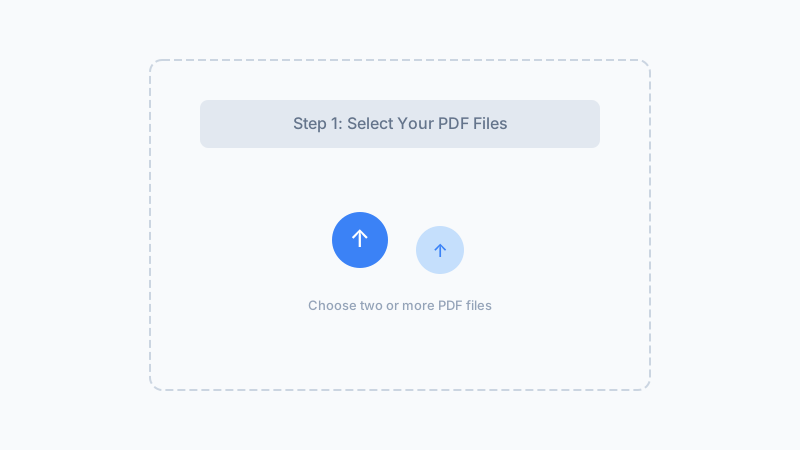
Go to our free PDF Unlock tool at /pdf-unlock/. Open the protected PDF and enter the password you know. Click unlock and the tool removes the encryption from a copy of your file — processed locally in your browser, never uploaded. The unlocked copy downloads to your device with the same content and formatting as the original.
Verify the Unlocked PDF Opens Correctly
Open the downloaded unlocked PDF in your browser or PDF reader to confirm it displays properly. All pages, images, and formatting should be identical to the original — the only difference is the password is now removed. If the file looks good, you are ready to merge.
Merge the Unlocked PDF With Your Other Files
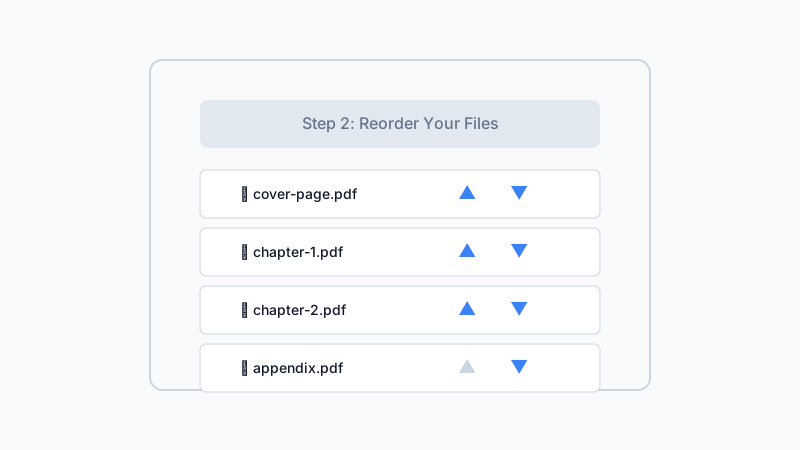
Return to our PDF Merger tool at /pdf-merge/. Select the unlocked PDF along with your other files, arrange them in your preferred order, and click merge. The result downloads as a single combined document with all pages from all files — including the formerly password-protected one.
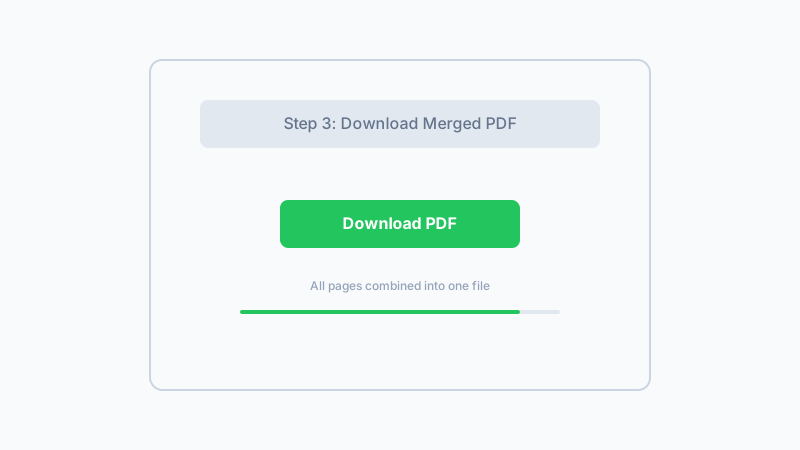
First unlock your protected PDF with our free unlocker, then merge it with other files — all private and browser-based.
Unlock & Merge Your PDFsFrequently Asked Questions
Why won't my password-protected PDF merge with other files?
Can I merge a password-protected PDF if I know the password?
Do I need special software to merge password-protected PDFs?
Is it safe to upload a password-protected PDF to an online tool?
What if I forgot the password to my PDF?
Will unlocking the PDF change the content or formatting?
Can I merge a PDF that has editing restrictions (not an open password)?
Why Use Our Unlock-and-Merge Workflow?
Complete Unlock + Merge Pipeline
Both tools work together seamlessly. Unlock your protected PDF, then merge it with other files — all free, all in your browser, with no compatibility issues.
100% Private, No Uploads
Your password-protected PDF never leaves your device during unlocking or merging. No server sees your sensitive files.
No Expensive Software Needed
Adobe Acrobat Pro can unlock and merge, but it costs hundreds per year. Our free browser-based workflow gives you the same capability at no cost.
Formatting Preserved
Unlocking removes only the encryption and leaves all your content untouched. The merged result looks exactly as intended.
Fix Your Protected PDF Merge Problem Now
Unlock your password-protected PDF, then merge it with other files — all free, private, and in your browser.
Start Unlocking & MergingFree unlock tool at /pdf-unlock/ — then merge here
Related Articles
How to Merge PDF Files Online — Combines PDFs in Your Browser, No Upload
Merge 2-10 PDFs into one file in under 2 seconds. 100% browser-based — files never leave your device. Tested: 5 PDFs (47 MB total) merged in 2.3 s.
How to Merge Large PDF Files: Size Limits, Compression Tips & Free Tools
Struggling to merge PDF files over 100MB? Learn about browser size limits, compression strategies, and how to merge large PDFs for free without uploads.
Why Won't My PDFs Combine? Common Merge Problems and Solutions
Can't merge your PDF files? Learn why PDFs won't combine — password protection, corruption, browser issues — and how to fix each problem for free.
Built by Win — a developer who values privacy-first, client-side tools. All processing happens in your browser; your files never leave your device.