How to Compress a PDF for Email — Attachments Under 25MB
Learn how to compress a PDF for email attachment. Reduce file size so your PDF fits under common email limits of 10-25MB.
Your PDF Is Too Big to Email?
You need to send a PDF as an email attachment but it keeps bouncing or getting rejected. Most email providers limit attachments to 10-25MB, and many enterprise systems are even stricter. Perhaps you are sending a contract, a presentation, or a scanned document. This guide shows how to compress a PDF for email so it sends successfully.
Common frustrations:
- Your email provider rejects PDF attachments over 10-25MB
- You need to send multiple PDFs but each one is too large
- You do not want to use file sharing services or cloud links
- You are not sure how much compression is needed to fit the limit
Shrinking Your PDF for Email Attachments
Check Your PDF File Size
Right-click the PDF and check its size. Most email providers accept attachments up to 10-25MB. If your file is over this limit, compression is needed.
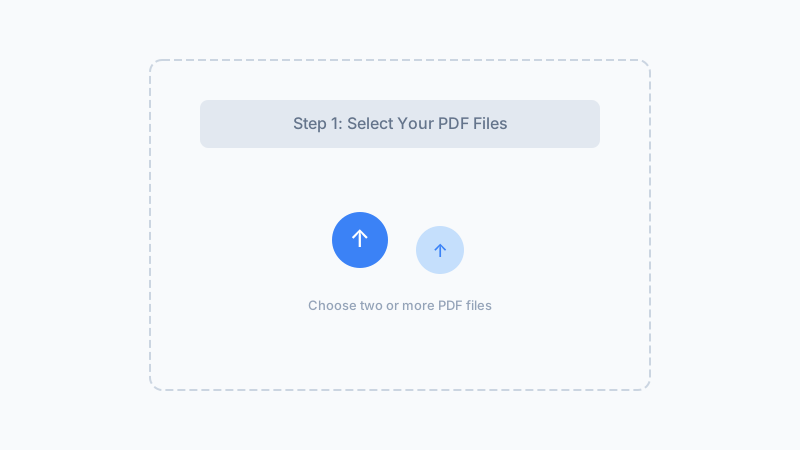
Compress for Email
Use a browser-based PDF compressor to reduce the file. Images are re-encoded to lower quality, which typically reduces email-friendly PDFs by 40-80%.
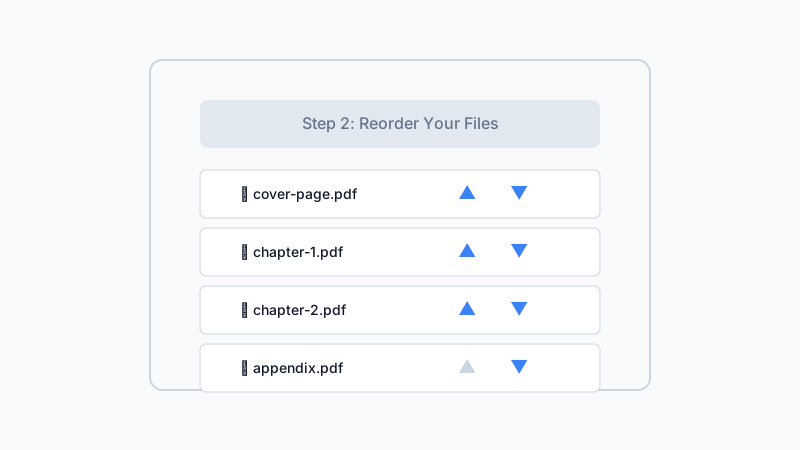
Attach and Send
Download the compressed PDF and attach it to your email. For very large files, consider splitting into multiple emails or using a compression level that keeps the file well under your provider's limit.
Shrink your PDF so it fits in any email attachment limit.
Compress PDF for EmailFrequently Asked Questions
What is the maximum email attachment size?
How much does a PDF need to be compressed for email?
Will compressed PDFs look good when printed?
Can I compress multiple PDFs for email?
What if compression is not enough for my email limit?
Why Use Our Tool for Email Attachments?
Keep PDFs Private
Your PDF is compressed locally in your browser and never uploaded. Sensitive email attachments stay on your device.
Free and Fast
No watermarks, no sign-up, no file size charges. Compress in seconds.
Works With Any Email Provider
Since compression reduces file size by 40-80%, your PDF will fit under almost any email attachment limit.
No Software Needed
Compress directly in your browser before attaching. Works on Mac, Windows, or mobile.
Ready to Send That PDF?
Compress your PDF so it fits in any email. Free, private, and works in seconds.
Compress for Email100% free — no watermarks, no upload
Related Articles
How to Compress a PDF Online for Free — No Upload Required
Learn how to compress a PDF online for free without uploading your file to a server. Reduce file size privately in your browser.
How to Compress a PDF Under 1MB — Free Browser Tool
Need a PDF under 1MB? Learn how to compress large PDFs to under 1 megabyte for free using a browser-based tool. No upload required.
How to Compress Large PDF Files — Reduce 100MB+ PDFs
Learn how to compress large PDF files over 100MB. Browser-based tool reduces big PDFs without uploading to slow servers.
Built by Win — a developer who values privacy-first, client-side tools. All processing happens in your browser; your files never leave your device.