Remove Password from PDF Online (Free, No Upload)
Remove password protection from PDF files online for free. 100% browser-based — your file never leaves your computer. No registration required.
Tired of Entering the Same PDF Password Over and Over?
You have a PDF with a password you know by heart, but it's annoying to type it every time you open the file. Or maybe you want to share the document with a colleague who should be able to open it without a separate password message. You need a quick way to remove the password permanently without buying expensive software or sending a private document to an unknown upload service.
Common frustrations:
- Typing the password every time is frustrating and wastes time
- Sharing password-protected files with teams is inconvenient
- Adobe Acrobat costs too much just to remove a password
- Many online PDF tools require uploads, accounts, or waiting in a queue
How to Remove password from pdf online — Step by Step
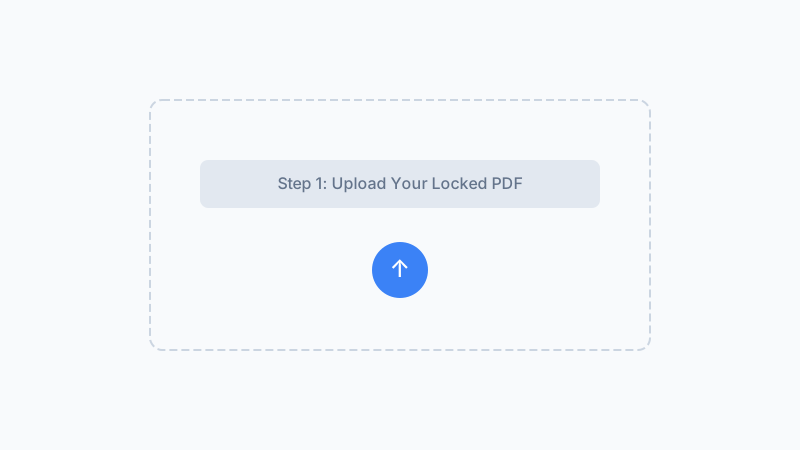
Select Your Password-Protected PDF
Click the upload area and choose the PDF file you want to remove the password from. The file stays on your device throughout the entire process, and the original protected file is not modified.
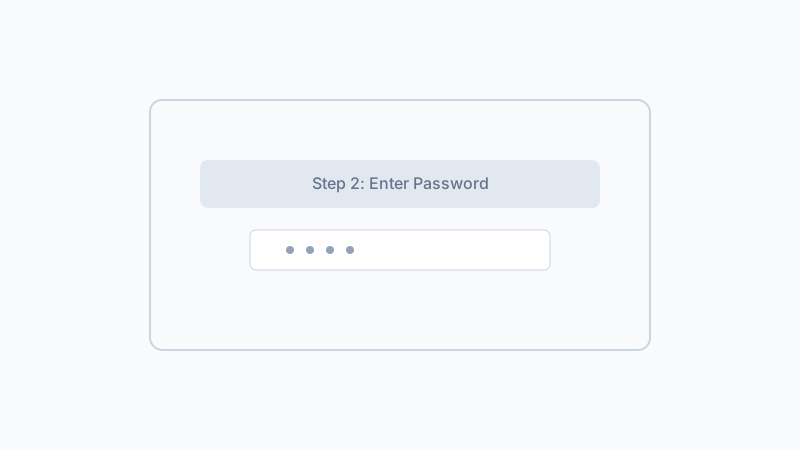
Type the Current Password
Enter the existing password that opens the PDF. This is used locally to decrypt the file and create a new password-free copy. We never see or store your password.
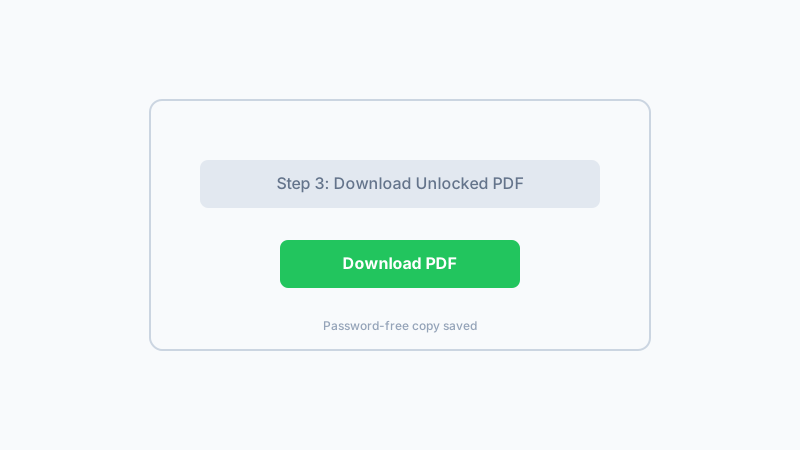
Download the Password-Free PDF
Your new PDF is generated without open-password protection. Download it, open it once to confirm it works, then store it wherever you normally keep your documents.
Use our free online tool to remove PDF passwords permanently. No upload, no registration, completely private.
Remove PDF Password NowFrequently Asked Questions
Can I remove the password without knowing it?
Will removing the password change the PDF content?
Is this different from password recovery?
Which browsers work best?
What should I check after downloading the new PDF?
Why use a browser-based PDF password remover instead of an upload site?
Is there a file size limit?
Can I use this on my phone?
Why Remove PDF Passwords With Our Tool?
Truly Online — No Install
Unlike desktop software, our tool works immediately in your browser. No downloads, no updates, no compatibility issues across different operating systems.
Privacy by Design
Traditional online PDF tools upload your file to a server. Ours processes everything locally in your browser, so confidential documents are not copied to third-party infrastructure.
Instant Results
No waiting in queues or dealing with server delays. The unlocking happens at the speed of your own computer. Small PDFs are processed in under a second.
Clear Ethical Boundary
The tool is designed for files you own or are authorized to access. It requires the existing password and does not attempt password cracking or recovery.
Remove Your PDF Password Today — Free
Stop typing passwords every time you open a PDF. Remove the protection permanently with our secure, browser-based tool, then keep the new copy for everyday use.
Remove PDF PasswordWorks on Windows, Mac, Linux, and mobile browsers.